Monday and Trello are both popular tools in their category, but they serve different needs and audiences. This guide compares their features, pricing, and best use cases to help you choose the right one.
Monday.com and Trello sit at opposite ends of the project management spectrum. Trello keeps things simple with Kanban boards. Monday.com packs in dashboards, automations, and a full Work OS. The right choice depends entirely on what your team actually needs.
Quick Overview
Trello is a visual, card-based project management tool. It’s free to start and $5/user/month for Standard features. Simplicity is its strength.
Monday.com is a full Work OS with boards, dashboards, automations, CRM, and more. Plans start at $9/seat/month (Basic) with a 3-seat minimum.
Feature Comparison
Project Views
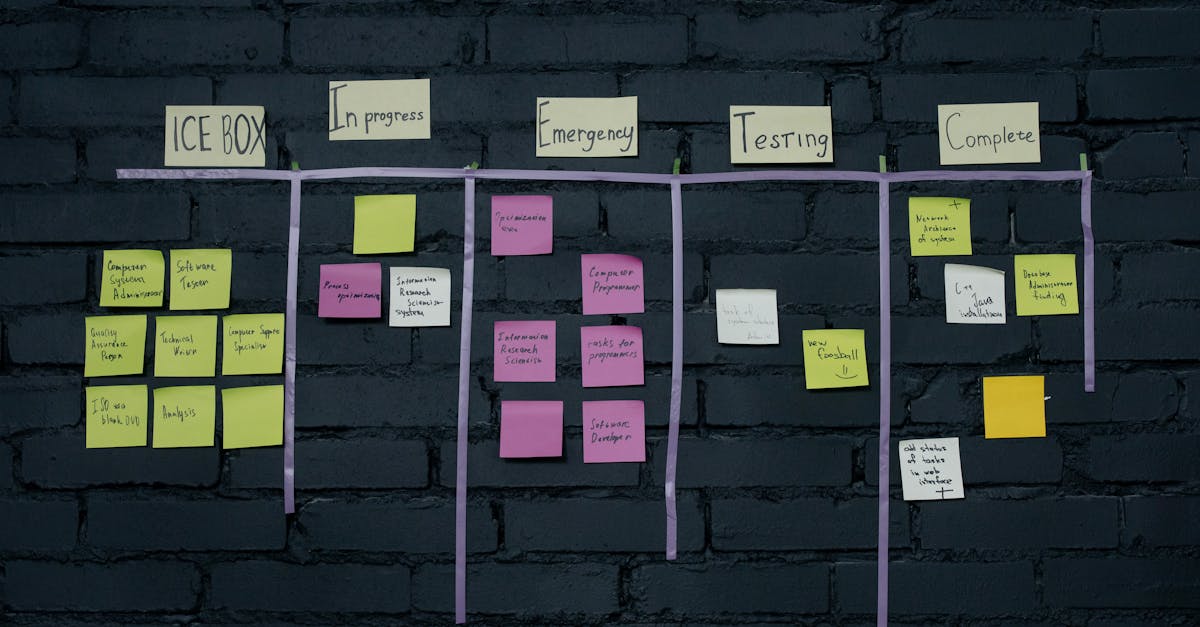
Trello is Kanban-first. You get boards with lists and cards. Premium adds timeline, calendar, dashboard, and map views, but the core experience is card-based.
Monday.com offers table, Kanban, timeline, calendar, chart, map, and workload views out of the box. The flexibility in how you visualize work is significantly greater.
Winner: Monday.com — more views and more ways to see your data.
Automations
Trello’s Butler automation handles basic rules — “when a card is moved to Done, mark it complete.” It works for simple workflows but hits limits quickly.
Monday.com’s automations are far more powerful. Multi-step automations, cross-board triggers, and integrations with external tools make it suitable for complex workflows.
Winner: Monday.com — not even close for automation needs.
Ease of Use
Trello wins here decisively. Create a board, add lists, make cards, drag them around. The learning curve is essentially zero. Anyone on your team can start using Trello within minutes.
Monday.com has a steeper learning curve. The initial setup — choosing views, creating columns, configuring automations — takes time. It’s intuitive once set up, but the setup itself requires effort.
Winner: Trello — the simplest project management tool you’ll find.
Collaboration
Trello’s collaboration is basic: assign members, leave comments, attach files. It covers the essentials without extras.
Monday.com adds updates (threaded discussions), workload views, guest access, and embedded docs. For teams larger than 5, these features make coordination significantly easier.
Winner: Monday.com for teams, Trello for simplicity.
Integrations
Trello connects through Power-Ups — modular integrations you add to boards. The ecosystem is solid, with Slack, Google Drive, and Jira among the popular options.
Monday.com integrates natively with 200+ tools and includes a built-in CRM, forms, and docs. The integration depth exceeds Trello’s Power-Up model.
Winner: Monday.com — broader and deeper integration ecosystem.
Pricing Comparison
| Plan | Trello | Monday.com |
|---|---|---|
| Free | Unlimited boards, 10 Power-Ups | 2 seats only |
| Starter | $5/user/mo (Standard) | $9/seat/mo (Basic, 3 min) |
| Mid-tier | $10/user/mo (Premium) | $12/seat/mo (Standard) |
| Enterprise | $17.50/user/mo | Custom pricing |
Trello is cheaper at every tier. For a 5-person team, Trello Standard costs $25/month vs Monday.com Standard at $60/month. The gap grows with team size.
See detailed breakdowns: Monday.com pricing and Trello pricing.
Who Should Choose Trello?
- Small teams (2-5 people) with straightforward workflows
- Teams that want zero learning curve
- Freelancers managing personal projects and client work
- Anyone who thinks primarily in Kanban boards
- Budget-conscious teams wanting a generous free plan
Who Should Choose Monday.com?
- Growing teams (10+) that need structure and visibility
- Teams requiring complex automations and workflow management
- Organizations wanting a unified Work OS (projects + CRM + docs)
- Teams that need advanced reporting and dashboards
- Companies willing to invest in a scalable platform
The Verdict
For small teams with simple needs, Trello is the obvious choice. It’s cheaper, simpler, and does Kanban better than anyone.
For teams that need real project management — automations, timelines, cross-project dashboards, and integrations — Monday.com justifies its higher price with significantly more capability.
Need more options? Browse our best Trello alternatives guide.
Compare Monday.com and Trello side by side →
Frequently Asked Questions
Is Monday or Trello better?
It depends on your needs. Monday and Trello excel in different areas — compare features, pricing, and use cases above to find the best fit for your workflow.
Can I use Monday and Trello together?
Yes, many teams use both. Monday and Trello can complement each other depending on your workflow requirements.
Which is cheaper, Monday or Trello?
Check the pricing comparison table above for current plans. Both offer free tiers, but paid plan pricing varies significantly based on team size and features needed.