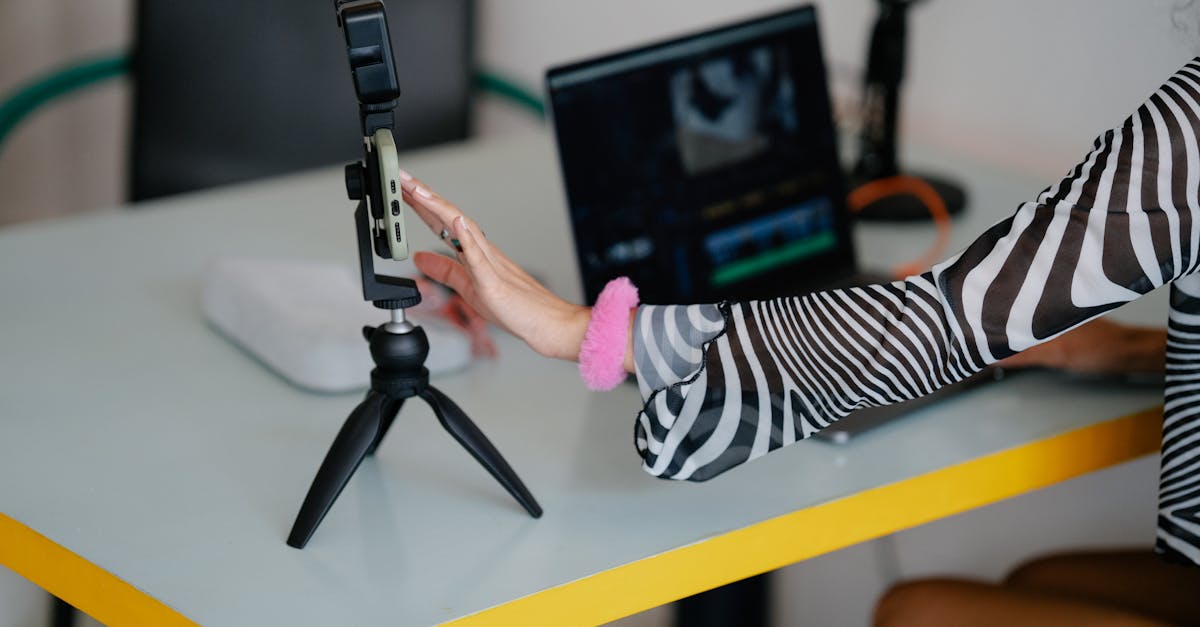
Content creation in 2026 is an AI-augmented workflow. The creators who are growing fastest aren’t replacing their creativity with AI — they’re using it to eliminate busywork, produce more consistently, and experiment faster. Here are the tools that actually matter.
Writing & Scripting
Claude — Best for Long-Form Writing
Claude by Anthropic excels at producing natural, nuanced writing that doesn’t read like it was generated by a machine. Its 200K token context window lets you feed it your entire content library for consistent voice matching.
- Price: Free | Pro $20/mo | Team $30/mo
- Best for: Blog posts, newsletters, scripts, repurposing long-form content
- Why creators pick it: The writing quality is noticeably better than ChatGPT for articles and essays
ChatGPT — Best All-Rounder
ChatGPT remains the Swiss Army knife. Image generation, web browsing, code execution, and GPTs make it the most versatile single tool for creators who need to do a bit of everything.
- Price: Free | Plus $20/mo
- Best for: Brainstorming, research, quick drafts, image generation
- Why creators pick it: One tool covers writing, images, data analysis, and more
Jasper — Best for Marketing Copy
Jasper is purpose-built for marketing teams. Brand voice training, campaign workflows, and ad copy templates make it faster than general-purpose chatbots for marketing content.
- Price: Creator $49/mo | Pro $69/mo
- Best for: Ad copy, landing pages, email sequences
- Why creators pick it: Templates and brand voice save hours on repetitive marketing content
Video Editing
CapCut — Best Free Video Editor
CapCut dominates short-form video editing. Auto-captions, AI effects, TikTok-optimized templates, and background removal — all free. ByteDance’s ownership raises privacy questions, but the feature set is unmatched at $0.
- Price: Free | Pro $7.99/mo
- Best for: TikTok, Instagram Reels, YouTube Shorts
- Standout feature: Auto-captions with customizable styles
Descript — Best for Podcasters & YouTubers
Descript lets you edit video by editing text. Record, transcribe, cut out filler words, and publish — all in one app. Studio Sound cleans up any audio to broadcast quality.
- Price: Free | Hobbyist $24/mo | Creator $33/mo
- Best for: Podcasts, YouTube videos, screen recordings
- Standout feature: Edit video by deleting words from the transcript
Runway — Best for Visual Effects
Runway brings Hollywood-level visual effects to individual creators. Gen-3 video generation, motion tracking, green screen removal, and style transfer make it the creative playground for experimental video.
- Price: Free | Standard $12/mo | Pro $28/mo
- Best for: Music videos, short films, visual experiments
- Standout feature: Text-to-video and motion brush controls
Image & Design
Canva — Best for Non-Designers
Canva is the default design tool for creators who aren’t designers. Templates for every social platform, Magic Design AI, and a massive asset library make professional-looking content accessible to everyone.
- Price: Free | Pro $15/mo | Teams $10/user/mo
- Best for: Social media graphics, presentations, thumbnails
- Standout feature: Magic Design generates complete layouts from a prompt
Midjourney — Best for Unique Visuals
Midjourney generates the most visually stunning AI images available. For creators who need custom illustrations, thumbnails, or concept art that stands out from stock photography, it’s the top choice.
- Price: Basic $10/mo | Standard $30/mo
- Best for: Blog headers, YouTube thumbnails, custom illustrations
- Standout feature: Consistent artistic quality across every generation
Social Media & Distribution
Buffer — Best for Scheduling
Buffer keeps multi-platform posting simple. AI assistant helps write captions, optimal timing suggestions boost engagement, and the clean interface avoids the complexity of enterprise tools.
- Price: Free (3 channels) | Essentials $6/channel/mo
- Best for: Solopreneurs and small teams managing 3-10 social accounts
Opus Clip — Best for Repurposing
Opus Clip takes long-form videos and automatically finds the most engaging segments, reformats them for vertical platforms, and adds captions. It turns one YouTube video into 10+ short clips.
- Price: Free (limited) | Starter $19/mo
- Best for: Turning podcasts and YouTube videos into Shorts/Reels/TikToks
AI Research & Ideation
Perplexity — Best for Research
Perplexity is a search engine that gives you cited answers instead of links. For creators researching topics before writing, it saves hours of tab-juggling.
- Price: Free | Pro $20/mo
- Best for: Fact-checking, topic research, finding statistics
- Standout feature: Every claim linked to its source
The Essential Creator Stack (2026)
If you’re building a content creation workflow from scratch, here’s what we’d recommend:
| Need | Tool | Monthly Cost |
|---|---|---|
| Writing | Claude Pro | $20 |
| Video editing | CapCut | Free |
| Design | Canva Free | Free |
| Research | Perplexity Free | Free |
| Scheduling | Buffer Free | Free |
| Total | $20/mo |
That’s a complete content pipeline for $20/month. Scale up with Midjourney ($10), Descript ($24), or Canva Pro ($15) as your output grows.
Explore more AI tools → Best AI Writing Tools | Best Free AI Tools